
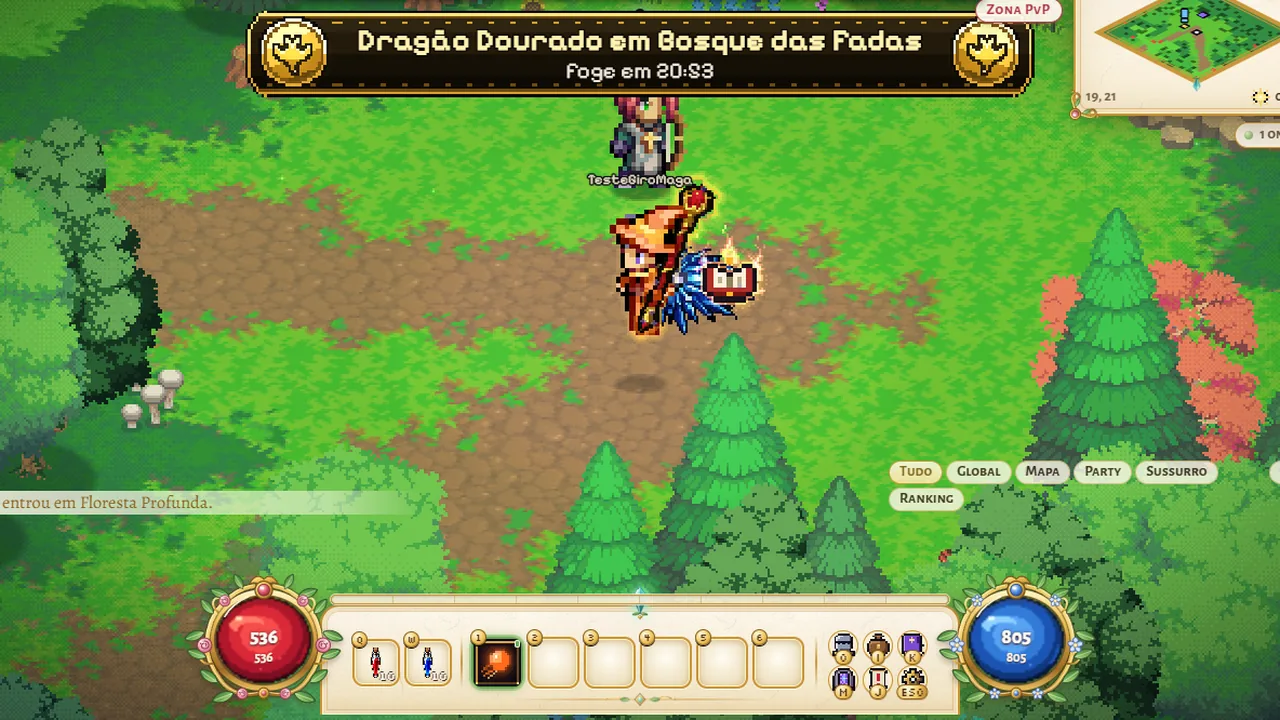
Turning camera: spin the map 360° with the mouse wheel
You can now turn the map camera. Hold the mouse wheel (the middle button) and drag left or right. The camera turns around your hero and stops exactly at the angle where you let go, anywhere in the full 360°.
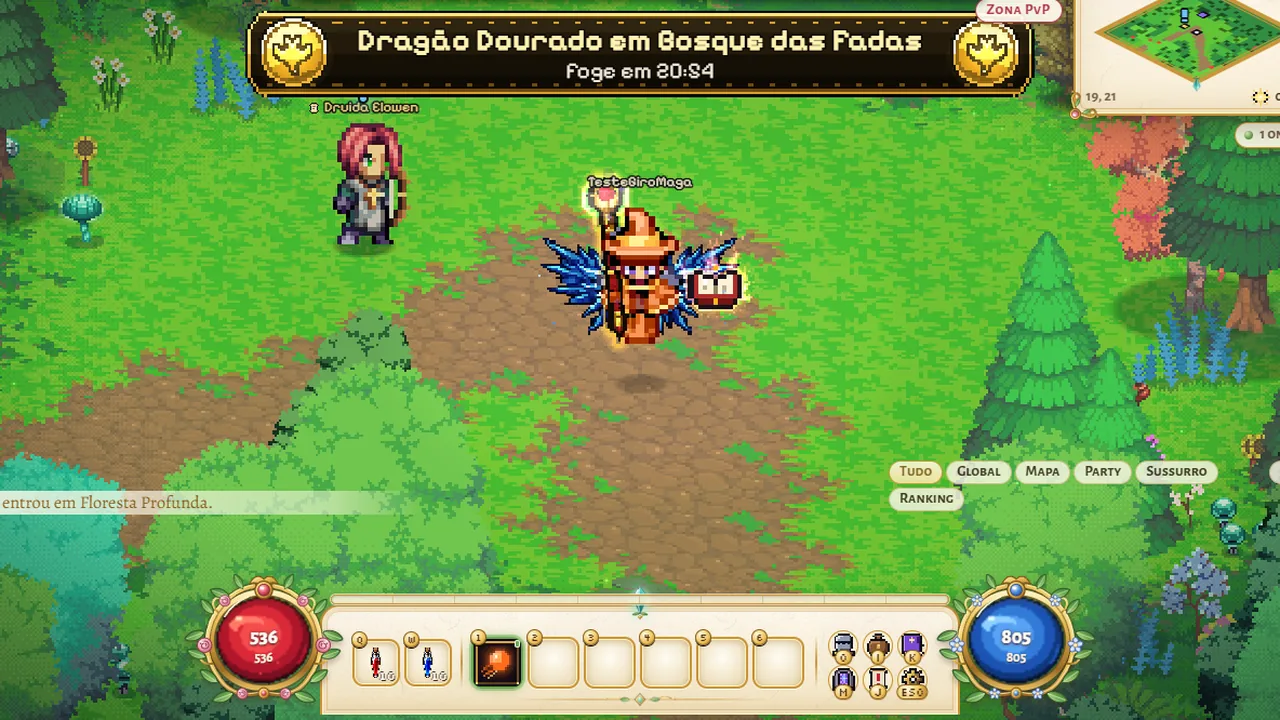
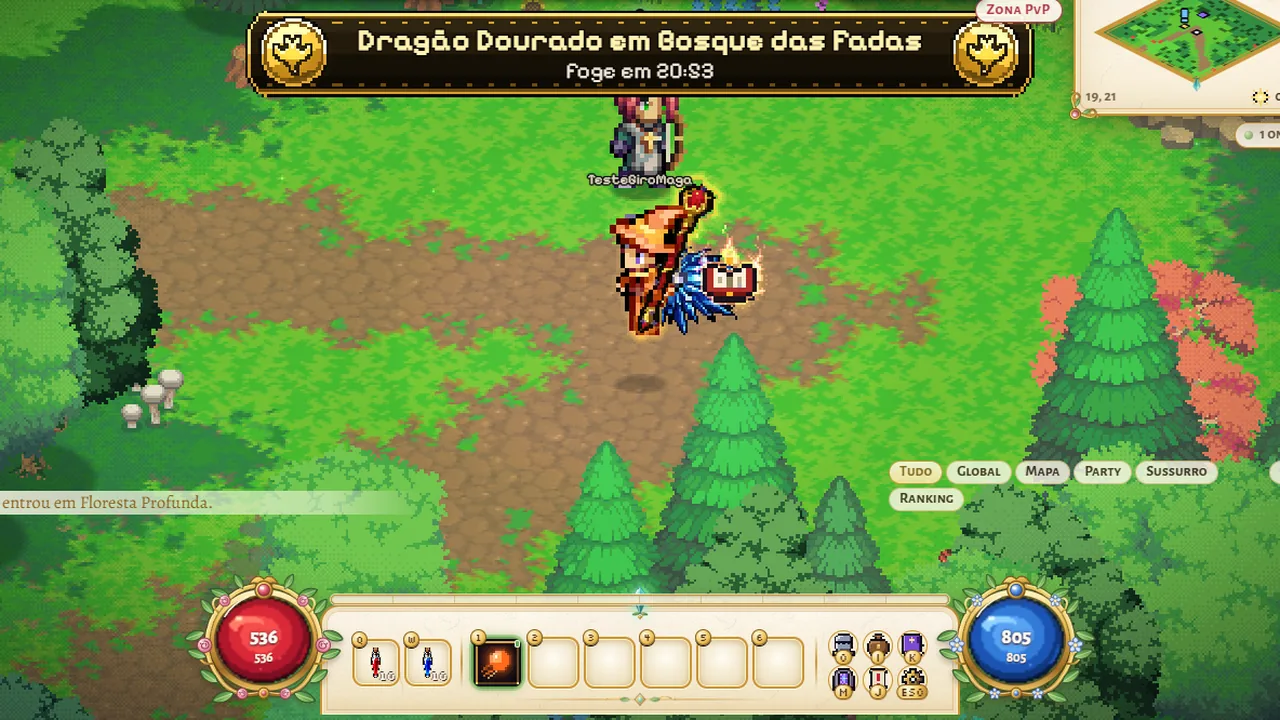
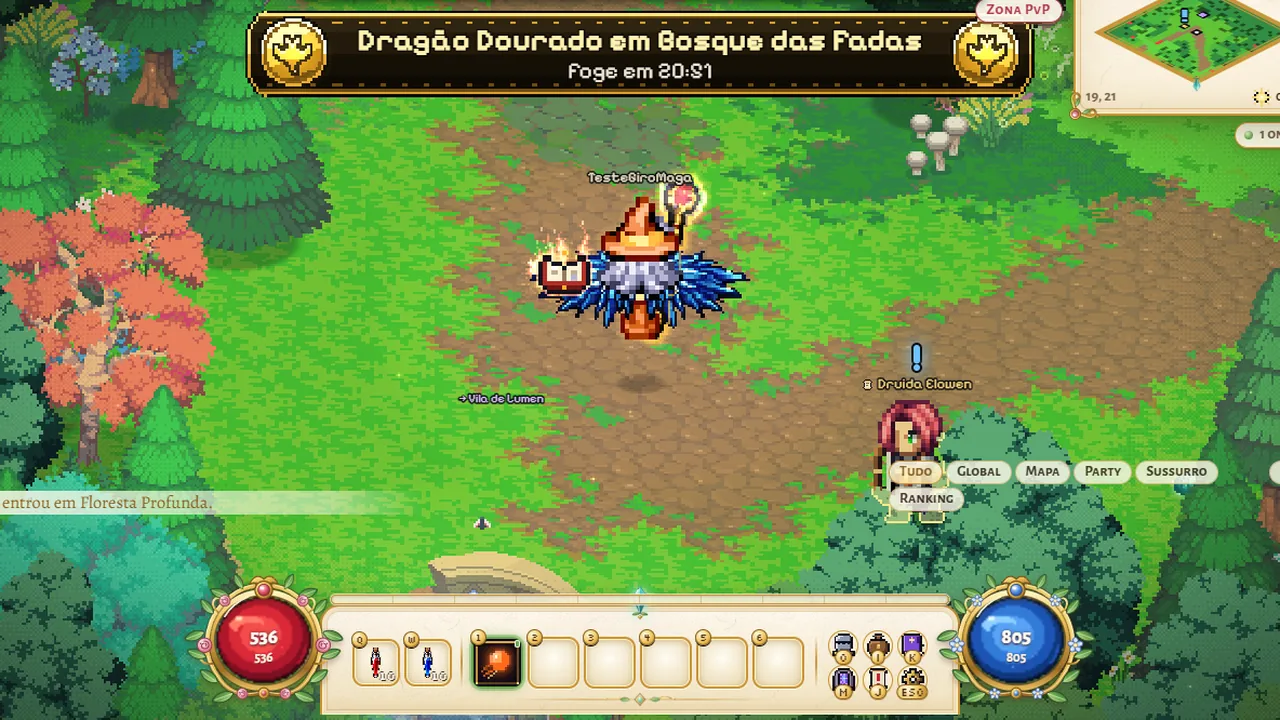
The ground turns with it, while heroes, monsters, townsfolk, trees and plants always stay standing. Your hero shows the right side to the camera: with the map turned around, you see their back. Hills and walls also change with the angle: the stone side facing you shows and the top stays up high. Spells, the lava glow and the map edges follow the turn, and clicking to walk or attack still takes you to the right spot.
To get the usual camera back, press the 0 key or use "Normal camera (key 0)" in the menu. Turning is mouse only and lasts until you reload the game. Other players still see your hero facing the right way, whatever the angle of your camera. Houses, portals and statues keep the same front drawing at every angle.
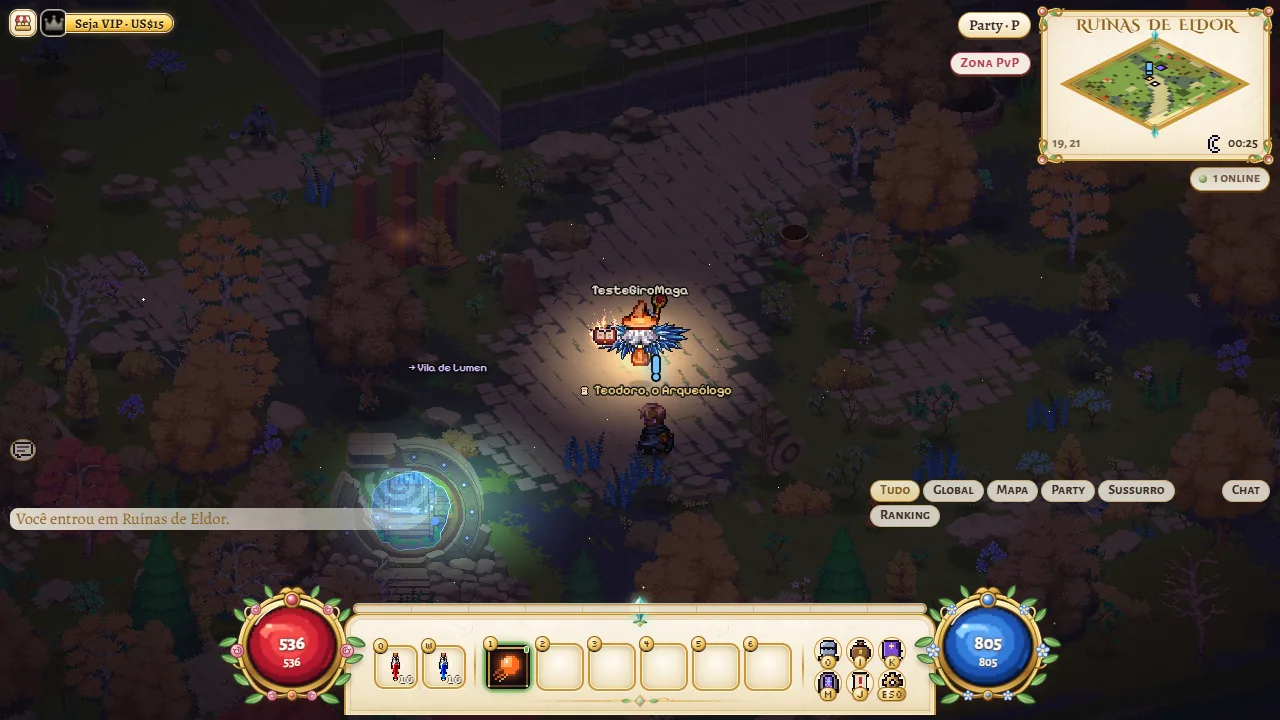
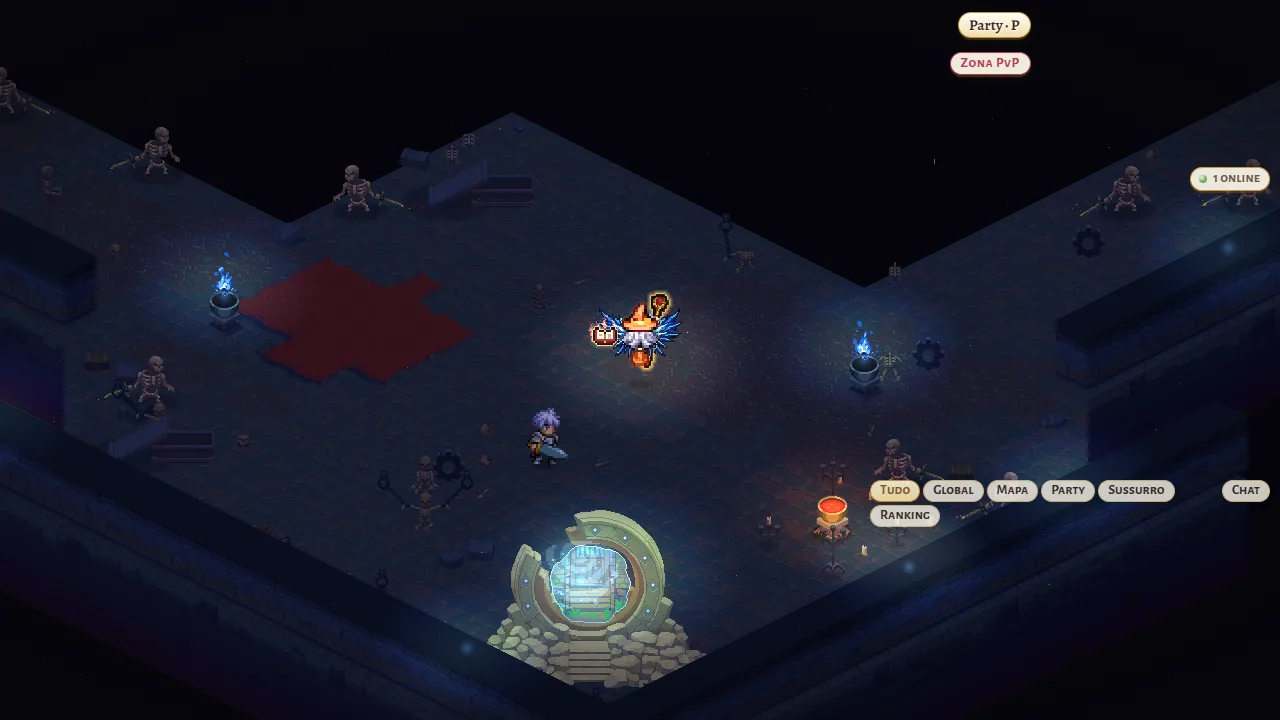
What changed
- Holding the mouse wheel and dragging left or right turns the map camera 360°; it stops where you let go
- Heroes, monsters, townsfolk and trees always stay standing and face the right way
- Hills and walls show their stone side to the camera at any angle
- Spells, the lava glow and the map edges follow the turn
- The 0 key or "Normal camera (key 0)" in the menu bring back the usual camera; Help (H) lists the control