AETHERIA, IN YOUR WINDOW
Your journey begins here.
The official Scroll of Mana launcher for Windows. Open it, sign in and find your characters in a dedicated game window.
PORTABLE · NO INSTALLERDownload for WindowsRead the launcher update ↗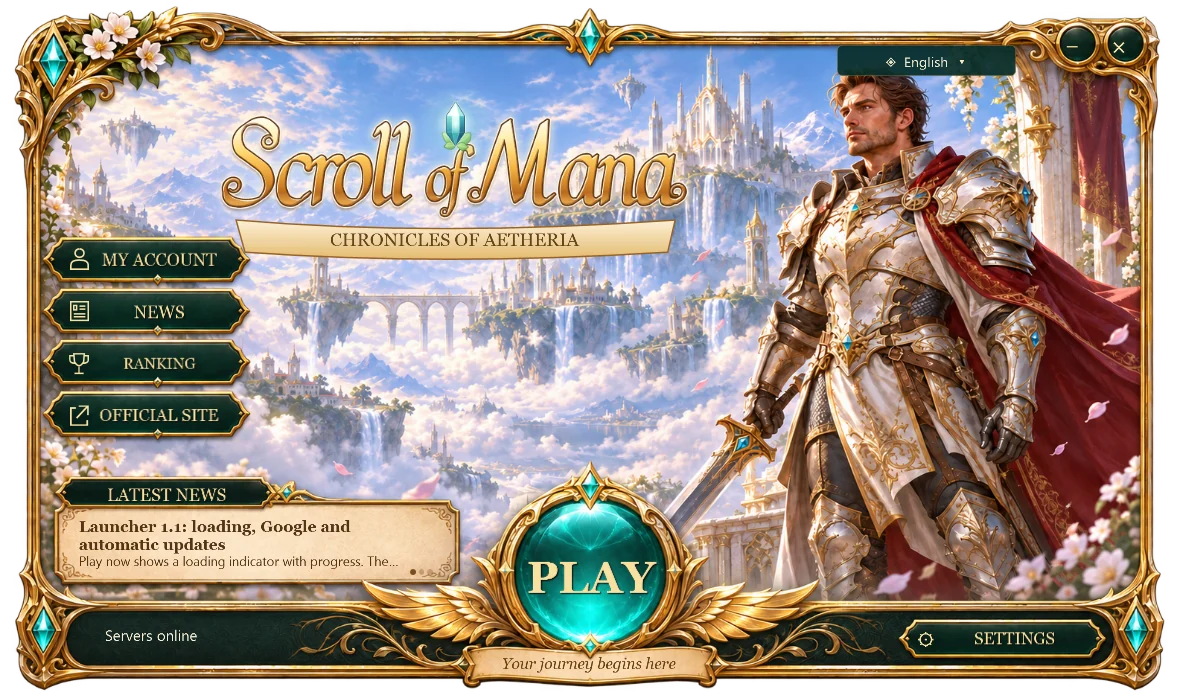
Three steps to Aetheria
- Download the launcher file (3 MB).
- Run the .exe and click Play. The first time, the launcher downloads the game (158 MB) once.
- Sign in, choose your character and enter the game.
Automatic updates
The launcher checks for and applies its new versions when opened; each update is about 3 MB and the installed game is reused. The game loads current content when you start a new session. If you use launcher 1.0, download this version once.
Make it yours
The launcher remembers your language (English, Portuguese or Spanish) and display mode (Windowed with borders or Full screen). On first launch it follows the Windows language. The game window also returns at the size you left it.
An internet connection is required to sign in and play. If the game download is interrupted, click Play again: it continues from the part where it stopped.
Verify the file
SHA-256
51f2e82f4c45c817f305a1d01b94b43fdd3329eee0be7bf523d214cf85f4c2ad