Your account and profile, connected to Discord
You can now choose Continue with Discord on My account. To create a new account, select Create account, accept the Terms of Use and Privacy Policy, then choose Create account with Discord. Authorization takes place on Discord.
Already have characters or purchases? First sign into your current account using your existing method, then choose Connect Discord. Linking keeps the same account, characters, Mana Coins and VIP. Each Discord identity can connect to one game account.
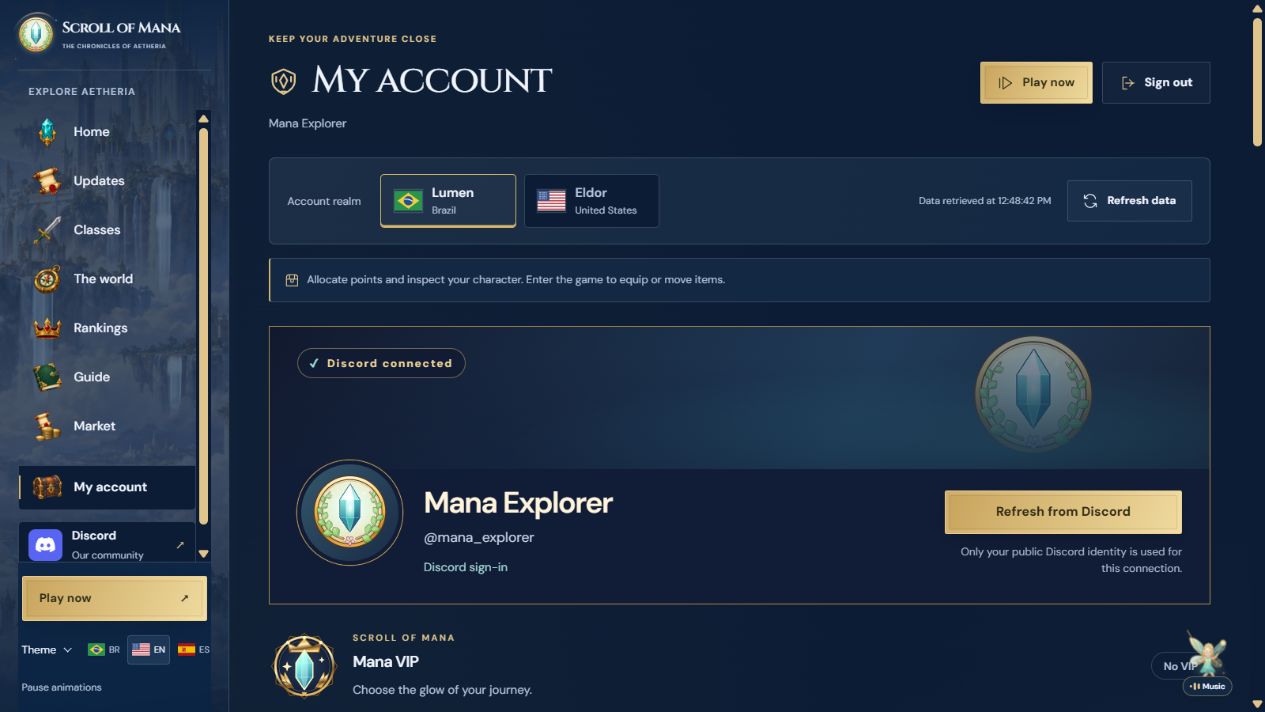
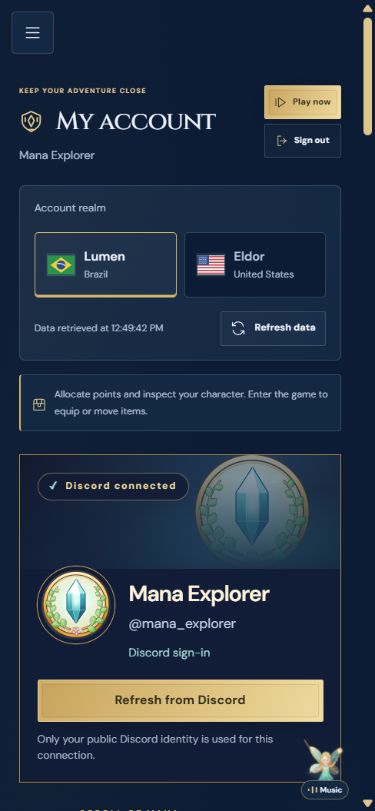
Your account card shows your Discord display name, handle and avatar, plus a banner when available. Profiles without images use the game emblem. Refresh from Discord renews the data through the same authorization; animated avatars and banners respect reduced motion and the portal’s animation pause.
The community Discord also has animated English information cards and a world-map channel with the real Atlas and guides for all 46 travel destinations. Voice calls have rooms named after the 34 main maps and arenas, a community lounge and two five-person party rooms.
What changed
- Register and sign in with Discord.
- Connect from your current account without moving characters or purchases.
- Profile card with display name, handle, avatar and banner when available.
- Refresh your Discord profile and use static alternatives for reduced motion.
- English guides for all 46 Atlas destinations in Discord.
- 37 voice rooms with 96 kbps audio, including two five-person party rooms.