
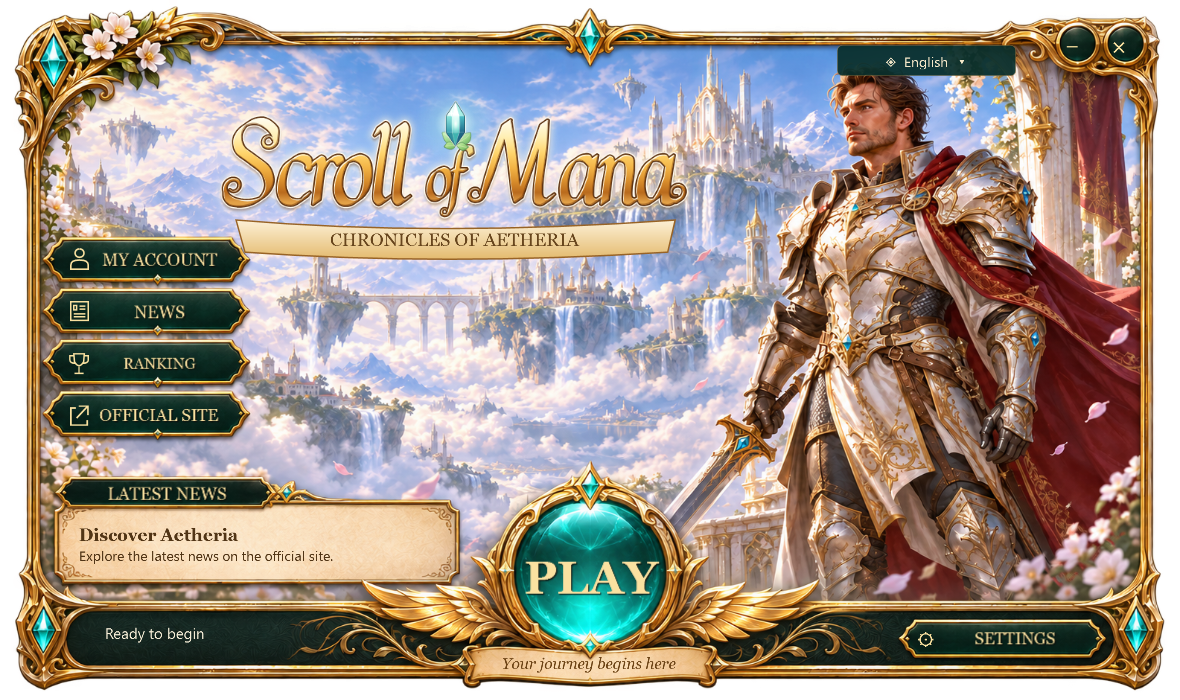
Launcher 1.1: loading, Google and automatic updates
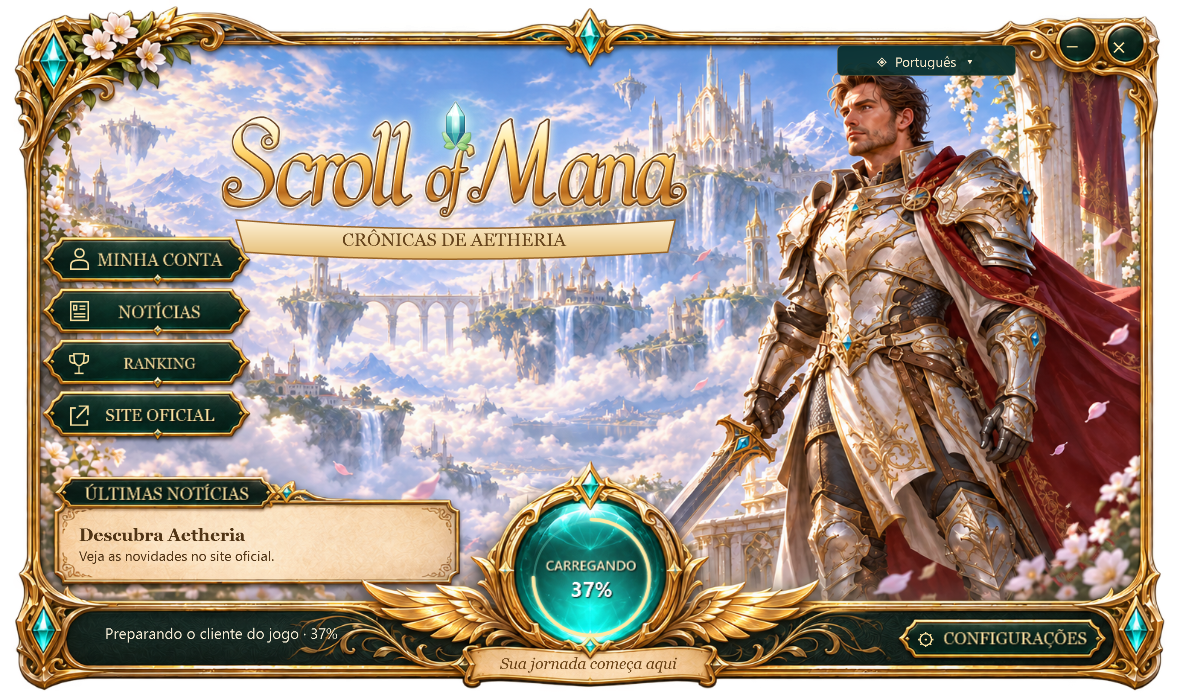
The Play sphere now shows a glowing arc while checking for updates and preparing the client. When progress is available, its percentage appears inside the sphere. Play stays disabled until preparation finishes, preventing repeated clicks.
Clicking Play prepares the client and closes the launcher after starting the game executable. The game window remains open so you can sign in, choose your characters and enter Aetheria. If an older client is already open, you can finish your current activity before restarting it.
Continue with Google is available in the client sign-in screen. It opens an official page in your browser to authenticate your Google account and returns to the game window. Your account and characters stay the same. Username and password and Discord sign-in remain available.
Starting with this version, the launcher checks for new versions when opened, downloads the update and restarts automatically after verifying the file. The game loads current content when starting a new session, without reloading an ongoing game.
If you still use launcher 1.0, download 1.1 once from Download on the website. Future launcher updates will then be automatic. It remains a single portable .exe with no installer, English by default, Portuguese and Spanish, and Windowed (borders) and Full screen options.
What changed
- Loading indicator inside the Play sphere, with progress and reduced-motion support.
- Launcher closes after starting the game executable.
- Google sign-in through your browser with return to the client.
- Automatic launcher updates starting with version 1.1.
- Updated website download; version 1.0 needs a one-time replacement.