

Scroll of Mana for Windows: portable launcher and website download
Scroll of Mana now has a portable launcher for 64-bit Windows 10 and 11. It is an executable file with no installation wizard, featuring its own fantasy design: an Aetheria landscape, a golden frame, mana crystals and a prominent Play button.
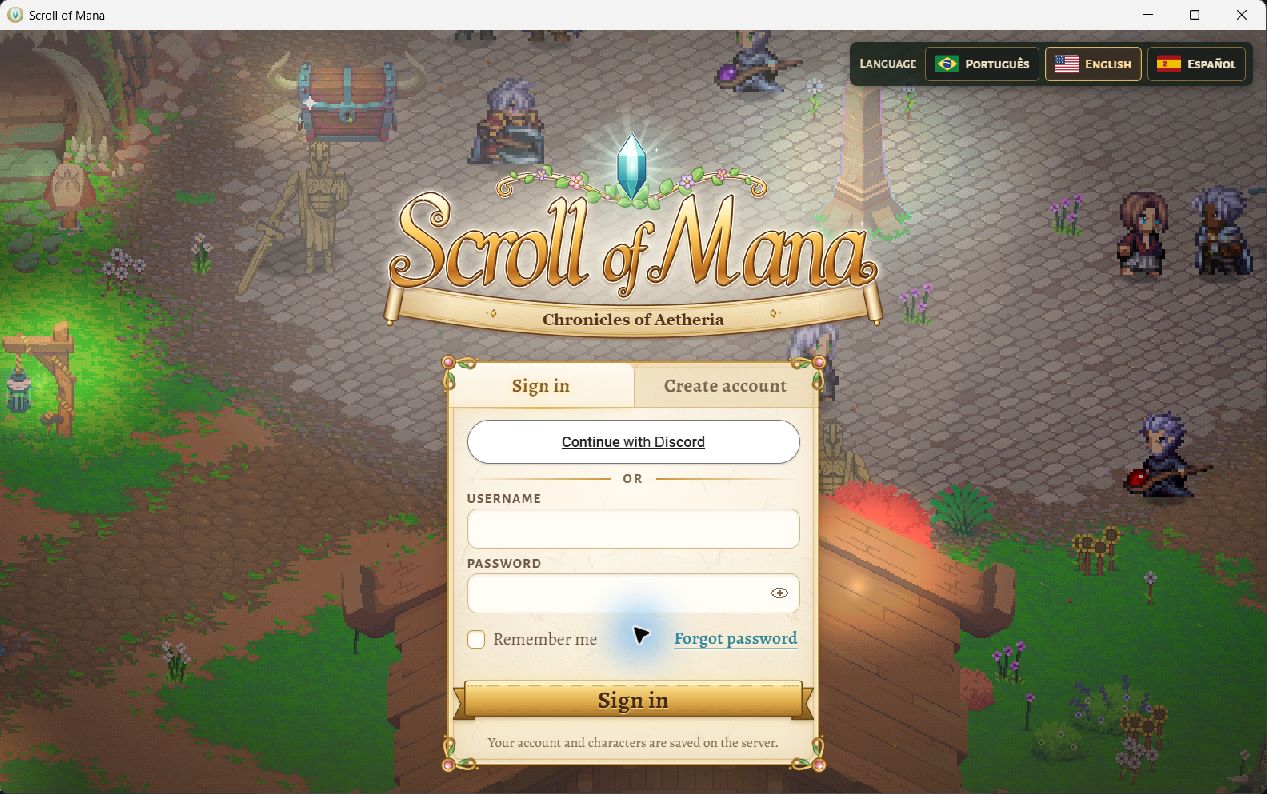
Clicking Play starts the game client in its own window. The opening shows the game's sign-in screen; after signing in, you continue to your characters and Aetheria. The game remains online and uses your existing account and characters.
The launcher starts in English. Open Settings to choose Portuguese or Spanish and select Windowed (borders) or Full screen. On the first game launch, wait for the client preparation shown in the launcher.
To download it, use Download in the website's left menu or open the Download page. It includes the version, file size and steps to get started. The picture below shows the actual client sign-in screen in English, without player data.
What changed
- Portable Windows launcher with a custom design.
- Dedicated game client window, with sign-in and access to account characters.
- English by default, with Portuguese and Spanish in Settings.
- Windowed and Full screen options in the launcher.
- Download in the website's left menu, with instructions and the launcher file.